
Whitney Warrant Checks
Whitney’s municipal court handles city citations, while JP 1 is a separate precinct court located in the same city. The citation’s court name decides where to ask. Keep the citation or cause number, offense date, court date, and full name available; ask whether any appearance or warrant process is pending before using a ticket-payment link.
- Read the issuing court printed on the ticket.
- For a city citation, call Whitney Municipal Court at 254-694-2261.
- For a JP citation, use JP 1 at 254-694-3140 or the precinct shown.
- Ask about case status and required action before paying.
- Request written confirmation after any court-approved resolution.
Whitney Has No Public Warrant Search Portal
The official municipal page provides court contact and a traffic-ticket payment route, but the reviewed material does not show a warrant-name search, public roster, capias form, or sample case display. That gap does not mean no warrants exist. It means the court phone is the verified way to ask about a specific citation.
When calling, ask whether payment can be accepted on the case or whether an appearance is required. The payment link should be treated as a ticket-payment route until the clerk confirms it applies to the warrant or capias status.
Use the Whitney Municipal Court page for official contact details.
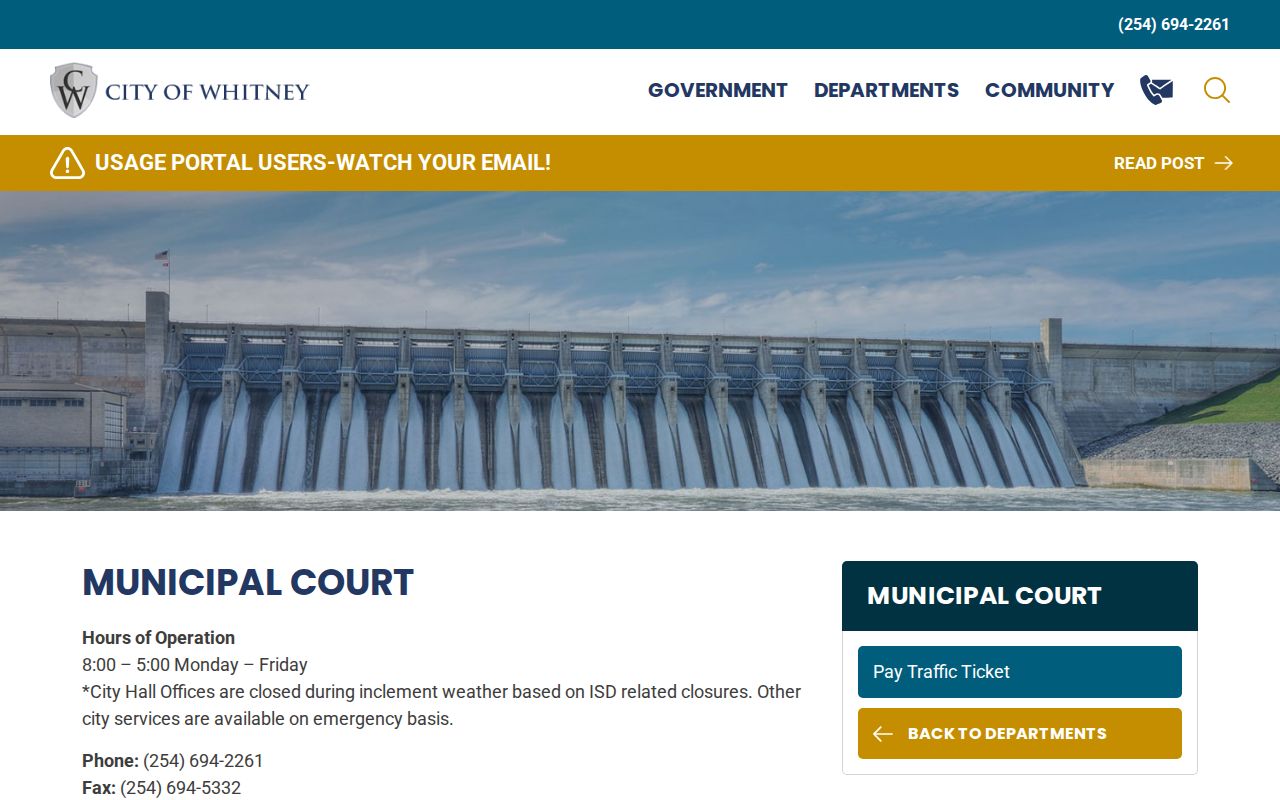
It does not display the status fields needed to confirm whether a particular warrant is active or recalled.
Whitney Police and Municipal Court
Whitney Municipal Court is listed at 115 W Jefferson, with a published Monday-through-Friday, 8 a.m. to 5 p.m. schedule, phone 254-694-2261, and mailing address P.O. Box 2050. The current city page identifies a judge and clerk and links ticket payment. Contact the clerk for court status rather than asking the police department to interpret a docket.
Whitney Police is listed at 102 N Colorado Street, phone 254-694-2638. The police department is the route for police records and law-enforcement matters. Its page does not advertise a municipal-warrant database. A records request and a request to clear court process are separate tasks.
Whitney Warrant and Police Records Use Separate Routes
The city police page gives its own department contact information and describes an administrative route. Use it for an existing police record or agency question. It is not a shortcut to a municipal-court docket, and the public materials do not say the department can confirm whether a court recalled a warrant.
When asking the police department for a record, identify the report or event as precisely as possible. If the concern is a missed traffic date or open court process, keep the inquiry with the court named on the ticket.
See the city’s Whitney Police Department page for its official contact information.
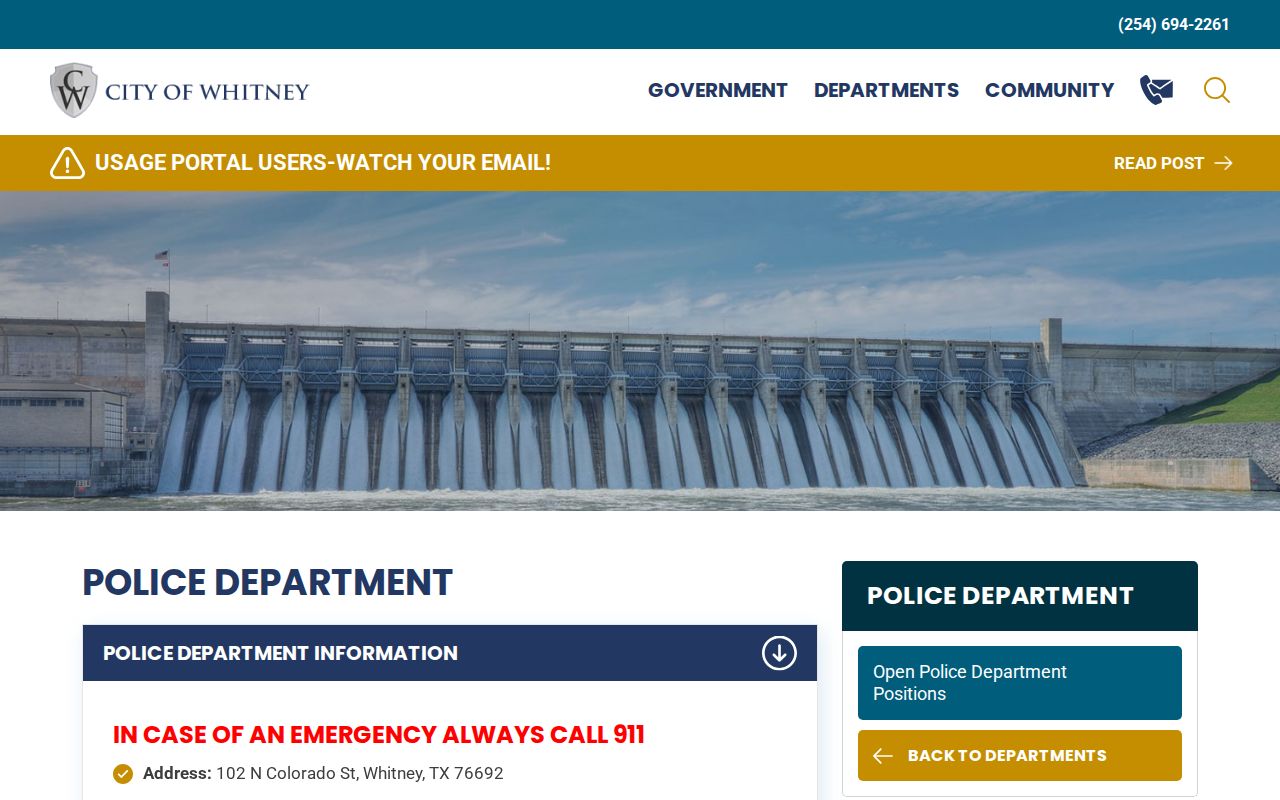
Keep a copy of a records request and direct status questions to the clerk who holds the court file.
Whitney Warrant Types
A city traffic ticket and a county precinct citation can look similar to the person holding them, but their court routes differ. A missed date may create court process, while a license-renewal report is a separate administrative issue. The notice’s court name, not a person’s Whitney address, is the reliable jurisdiction clue.
| Warrant Type | How It Arises | Who Issues It |
|---|---|---|
| Municipal traffic case | City citation with a missed date or unresolved judgment | Whitney Municipal Court |
| Municipal appearance process | Required appearance not completed | Whitney judge and clerk |
| JP citation | County precinct ticket | JP court named on citation |
| Criminal warrant | Separate filed criminal matter | Issuing magistrate or court |
Whitney Warrant Routing Must Distinguish JP 1
JP 1 is also based in Whitney, but its cases remain separate from city municipal citations. The official Justice page lists Judge Doyle “Trey” Jetton and JP 1 contact number 254-694-3140; the research lists P.O. Box 1853 and djetton@co.hill.tx.us for that office. A county-road ticket may belong there even if it was issued within or near city limits.
Check the citation before calling, then ask the JP clerk about balance, appearance, and capias status. Do not send a municipal payment to JP 1 unless that court confirms it has the case.
Inside a Whitney Warrant Record
Whitney does not publish a sample warrant record or a public field-level search in the sources reviewed. Ask the clerk to confirm these items for the actual case. A third-party match or the absence of a result cannot replace the court’s docket status.
| Warrant / Cause Number | Read it from the citation or notice; no local format was published. |
|---|---|
| Name and Date | Provide the name and offense or appearance date to distinguish cases. |
| Charge | Ask for the filed offense and any missed setting. |
| Issuing Court | Confirm Whitney Municipal Court or JP 1. |
| Amount / Bond | Request the current amount and court-approved options. |
| Status | Ask whether process remains open or has a recalled entry. |
Whitney Payment Links Do Not Promise Recall
The municipal site offers traffic-ticket payment, but no public warrant-clearing rule or capias fee was located. Before paying a notice marked FTA or warrant, ask whether payment is allowed and whether the judge requires an appearance. Request the total due and the method for confirming that the court recalled process.
The clerk’s published phone and weekday hours provide the practical status route. If you need a written record, ask whether the court or police department holds it and which request channel applies.
How Whitney Warrants Fit the County System
City citations go to Whitney Municipal Court, while county matters may go to JP 1 or another issuing court; the Sheriff can route law-enforcement questions. The statewide DPS/OmniBase channel concerns license reporting, not a complete warrant search. For county-level contacts, use the Hill County records overview and warrant lookup page.
Local route: Whitney Municipal Court or JP 1 › issuing court for the case.
The court name on the paper determines which clerk can give an authoritative answer. An online ticket link does not establish status with another court.
Whitney Warrant Follow-Up Needs a Citation Number
Before calling, write down the number, court date, offense date, and exact notice wording. Ask the clerk to identify any active court process, whether a setting is required, and when a payment or filing will appear in the docket. This checklist helps keep a short phone call focused without assuming a particular city procedure that the published pages do not describe.
If the answer points to a JP or criminal court, record the office name and follow that referral. Retain receipts and ask for written confirmation before treating the matter as cleared.
Whitney Warrant Records and Public Access
Whitney’s city records route may provide existing police records subject to Texas law, but it does not require the city to create a searchable warrant list. Court files are handled by the clerk under court-record rules. Juvenile and other confidential material can be restricted, and a general open-records request is not a way to compel a court to decide whether process is active.
Key Rules:
Texas Public Information Act, Government Code Chapter 552 - covers existing city-agency records subject to disclosure and exceptions, not creation of a new warrant database.
Ask Whitney Municipal Court about its docket; court records are governed through the court’s own access process.
Texas Family Code §58.010 - provides special protections for juvenile records.
Whitney Warrant Follow-Up Should Stay With the Clerk
When the clerk gives a payment, filing, or appearance instruction, ask what document proves completion and when the case entry will update. Preserve the receipt and the clerk’s answer. If a license hold is also involved, ask the court whether it reported clearance; that is separate from the city’s ticket-payment vendor.
The municipal contact page does not publish a recall form or a public case-status export. A direct confirmation from the clerk is therefore more reliable than an old screenshot or an outside database result.